
The Database Application Vendor’s SQL Server Security & High Availability Checklist by Sarpedon Quality Lab
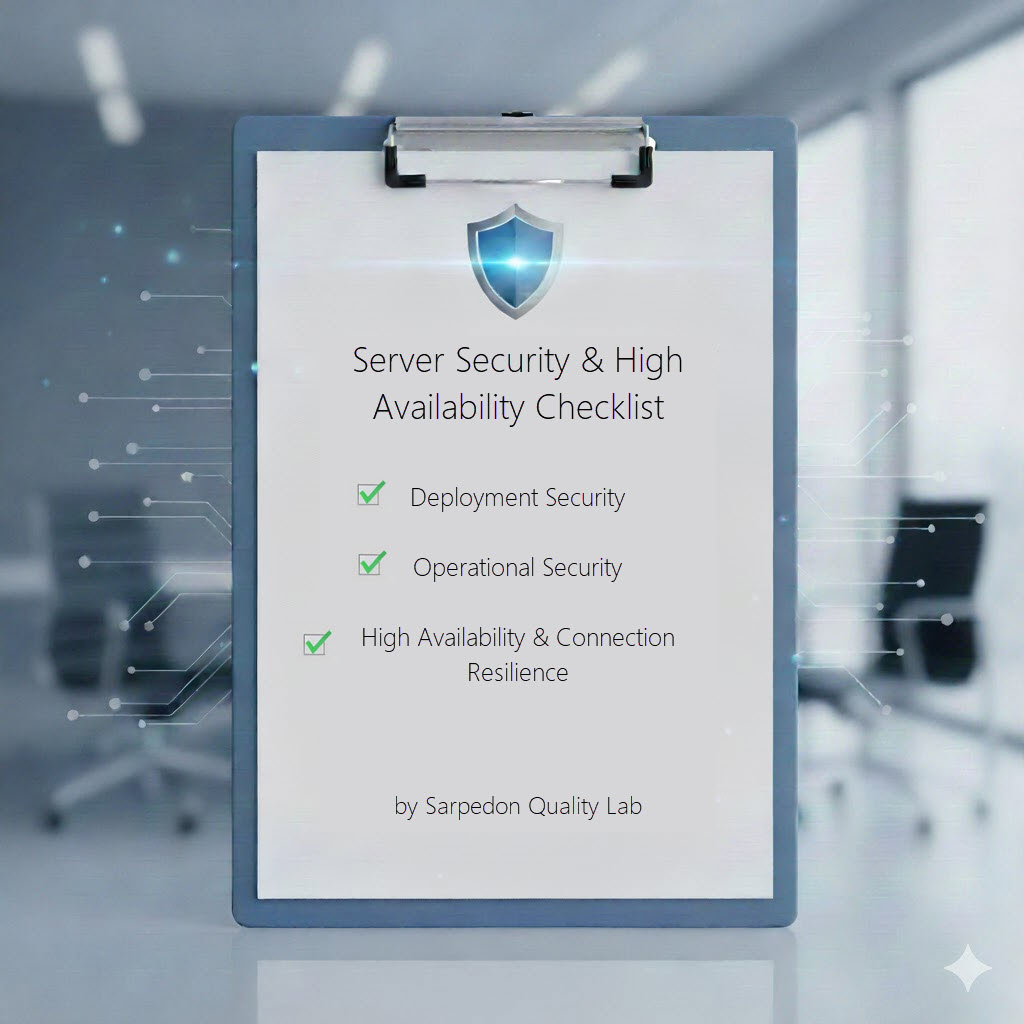
As a database application vendor, the security and reliability of your software are core competitive advantages. To help reaching this goal, we have created a checklist which is meant to serve as a blueprint for designing data applications that are secure by default and resilient to failure, ensuring your customers can trust your product in demanding enterprise environments.
Version 1.0, 2025/12/16
This list is structured into 3 buckets:
- Deployment Security
- Operational Security
- High Availability & Connection Resilience
Deployment Security
| Checklist item | Details |
| Can the database be pre-deployed by the DBA? | Ideally, the DBA has the option to prepare an empty database and the application setup can be pointed to the database and start preparing the database-schema with all objects from this point on. This has 4 advantages: 1. Avoids handing over server-level permissions even temporarily. 2. This will simplify the workflow when moving the database to an Azure SQL database environment. 3. For Contained Availability Groups, this is the most efficient setup-workflow today (also see here my remarks on Deployment: Why you should use SQL Server contained availability groups to save time – and why consultants may not tell you about them ) 4. The DBA can optimize file-placement if needed for fast-growing system. The physical layout of your database should be transparent to the application and database-code. |
| Permissions for database-deployment | The database-creation part of the setup usually should not require more than the CREATE ANY DATABASE permission. – sysadmin should not be required!
– If SQL Agent jobs are involved, use the msdb roles (SQL Server Agent fixed database roles) – Other server level objects, if required, usually have distinct permissions as well. |
| Remove server-level permissions after setup | If your application did require server-level permissions for setup, make sure that they can be revoked. Also, again, for an Azure SQL database, this would be a requirement anyway. |
| Dedicated secure application identity | Allow the use of Group Managed Service Accounts (gMSA) for the Application service account, especially if it connects to database. |
| Secure Credentials | If SQL Server Authentication is required, ensure the setup enforces strong password policies and that connection strings are encrypted and never stored in plain text in config files. |
Data Protection & Code Integrity
These are the operational standards that protect the database itself, addressing the most common application-level security-risks.
| Checklist item | Details |
| Permissions – Comply with the Principle of Least Privilege | Do not require membership in db_owner-role or being the owner of the database
Most applications do not require more than membership in the following database roles: db_datareader, db_datawriter, and the EXECUTE permission on the database, or a database role with the EXECUTE-permission. This is the simple code for that: CREATE DATABASE ROLE db_executor GRANT EXECUTE to db_executor Applications which create database objects during standard-use, will need also membership in the ddl_admin database role. However, the implied permissions allow for certain attacks from inside the database, so avoid it if not needed. It’s still better that db_owner though! |
| Schema-level permissions | If your database supports multiple different processes, each accessing different areas (objects) of the database, you can further lock down permissions by using schema-level permissions, if your database-schema is developed with those processes in mind. Read here for further details:
Schema-design for SQL Server: recommendations for Schema design with security in mind |
| Encrypt sensitive data | If your application stores sensitive data (PCI, HealthCare, PII), use Data Encryption to make sure no unauthorized user can read the data. (Do not confuse with TDE at the file-level: Protecting database data at rest: Transparent Data Encryption, Backup Encryption or Always Encrypted ) This can save millions! |
| Avoid triggers | If the application requires triggers, sign triggers with a certificate (ADD SIGNATURE (Transact-SQL) so you can ensure to detect any tampering. |
| Avoid CLR | When using CLR-assemblies, use certificate-signed assemblies. Do not rely on the Trustworthy-database property. (This is a high EoP risk and will not allow the database being co-hosted with other databases on the same system.) |
| Never construct dynamic SQL directly from user input and validate parameters | To prevent SQL Injection, validate string- and binary-parameters. Never construct dynamic SQL directly from user input. |
High Availability (HA) & Connection Resilience
| Checklist item | Details |
| Test application for common High Availability Technologies | Understand the difference between (1) Failover Clustering, (2) Availability Groups and the new (3) Contained Availability Groups and test their behavior. |
| Allow using DNS Alias instead of Hostnames or IPs | To support Availability Groups, applications must connect using the Availability Group Listener Name, not a direct replica name. And to simplify Migrations, using a DNS Alias avoids further changes to the connection strings, which is why Sarpedon Quality Lab recommends using DNS Aliases (CNAME) in general. |
| Support MultiSubnetFailover=True in Connection String | Include MultiSubnetFailover=True in your connection strings. This ensures fast reconnection during a failover, not only across different subnets. |
By adopting these standards, you are not just ensuring compliance; you are guaranteeing that your application is secure by design, a critical assurance that builds confidence with every enterprise customer.
We hope that our checklist answers some of the common questions and is useful as a reference by both DBA’s and Application Developers.
Any feedback and input on refining this checklist is welcome!
Happy securing
Andreas


Leave a Reply
Want to join the discussion?Feel free to contribute!